
The Drag-and-Drop Builder
Create beautiful, mobile-optimized forms in minutes. Save them as templates to use across your entire roster.
Create a premium first impression. Build custom intake forms that automatically map client data, injury history, and goals directly into their Fitflux profile.
Stop copying and pasting from Typeform into a spreadsheet. When a client completes a Fitflux intake form, their answers automatically populate their Health Profile, ready for the AI Program Builder to use.
The Onboarding Autopilot
Create custom templates for PAR-Q, injury history, and goal setting.
Set triggers to send forms instantly when a new client is added.
Client answers automatically populate their Fitflux Health Profile.
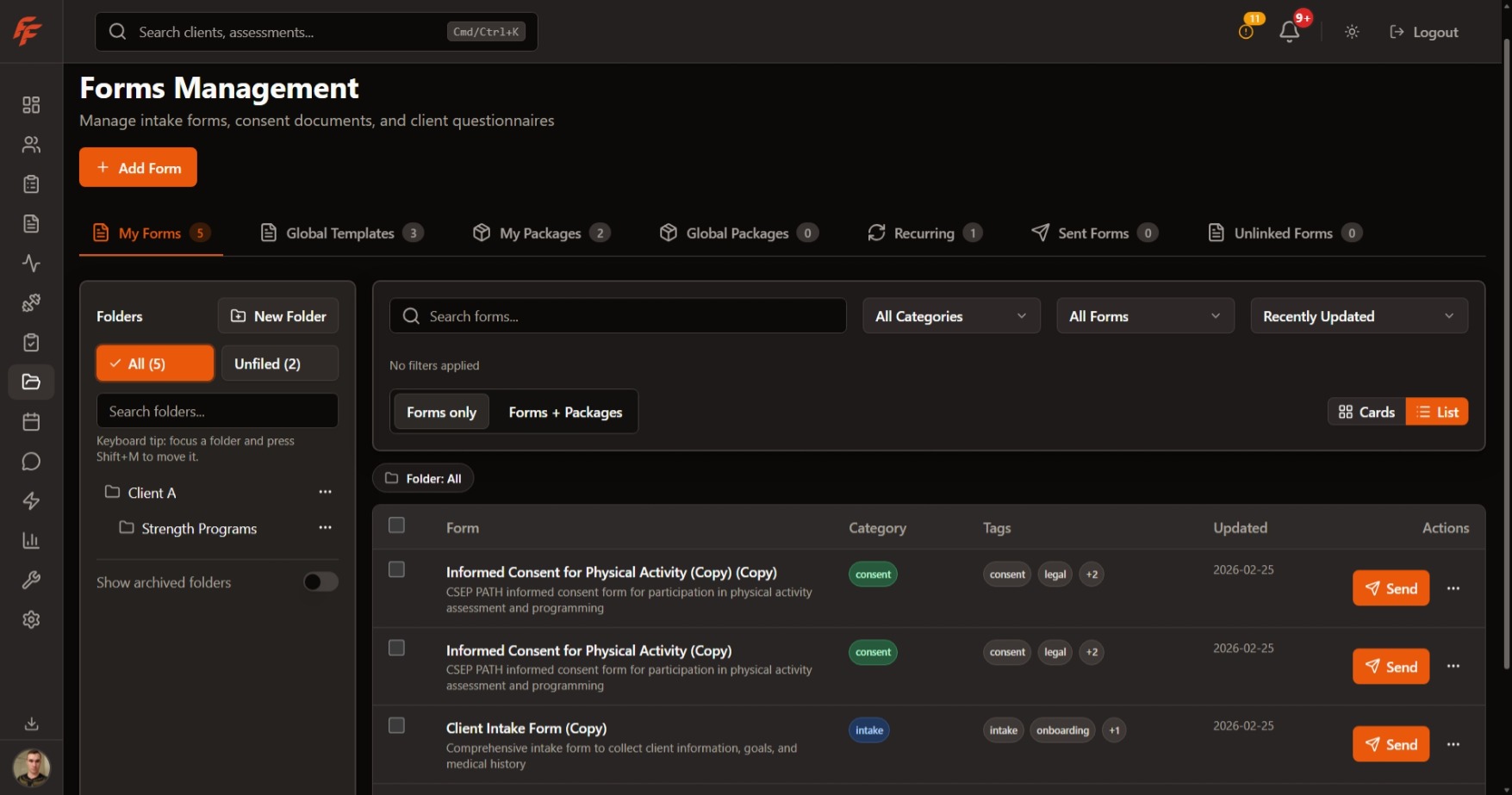
Create beautiful, mobile-optimized forms in minutes. Save them as templates to use across your entire roster.
Need a monthly progress update? Schedule recurring forms once, and Fitflux handles the sending and the reminders.
Review form submissions right next to the client's workout data and check-in history. No more switching tabs.
Fitflux forms aren't just static documents. When you ask a client about their available equipment or injury history in an intake form, that data is permanently mapped to their profile, ensuring the AI Program Builder never prescribes a contraindicated exercise.
Check-Ins
Build structured updates, schedule recurring check-ins, review responses beside coaching context, and close the loop with feedback or follow-up.
Client Management
Manage roster operations, records, and bulk actions from one command center for coaching teams.
Client App
Give clients a focused portal for daily priorities, coaching follow-through, and the supporting account surfaces around their program.
Choose the platform plan that fits your active-client roster.
Join Waitlist